Beamer's weird column defaults
From time to time I encounter a problem with LaTeX or Beamer that costs twice as
much time to solve than what I save by using LaTeX. Here is a reminder for me to
fix a particularly strange behaviour with Beamer’s columns environment.
The columns environment is used to split content horizontally in (you
guessed it) several columns. Intuitively, you’d write something like this
\begin{document}
\frame
\end{document}
and expect the columns to be aligned nicely with the adjacent text. But for whatever reason, that’s not the case by default:
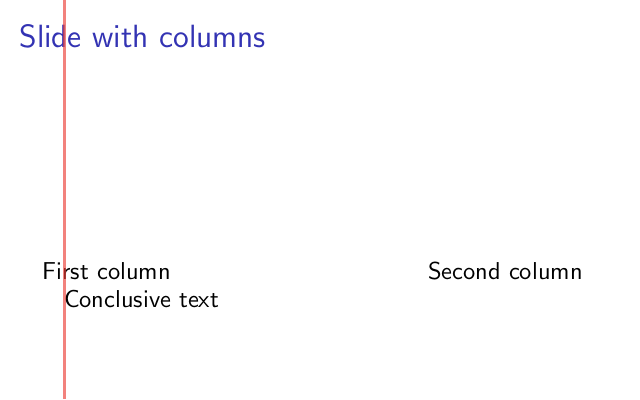
To fix this, you have to pass the onlytextwidth option to the environment
\begin{columns}
and you are good to go:
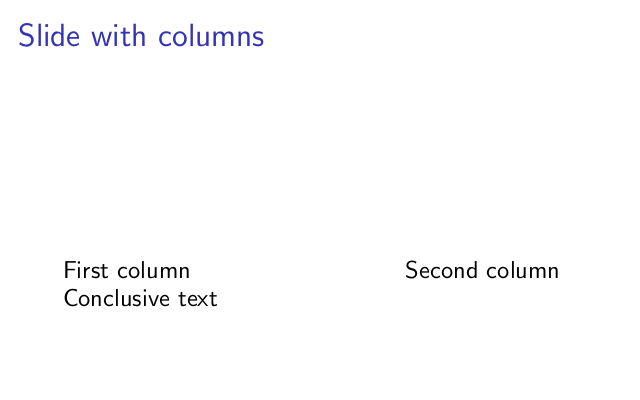
I don’t know if this happens only with TeX Live 2009, but it is certainly annoying …